
trailmaps.app
Mountain bike maps that match the trail.
Better maps from your fellow riders.
© OpenStreetMap © Protomaps © Mapterhorn
The maps.
How to use themSoutheast Michigan
-

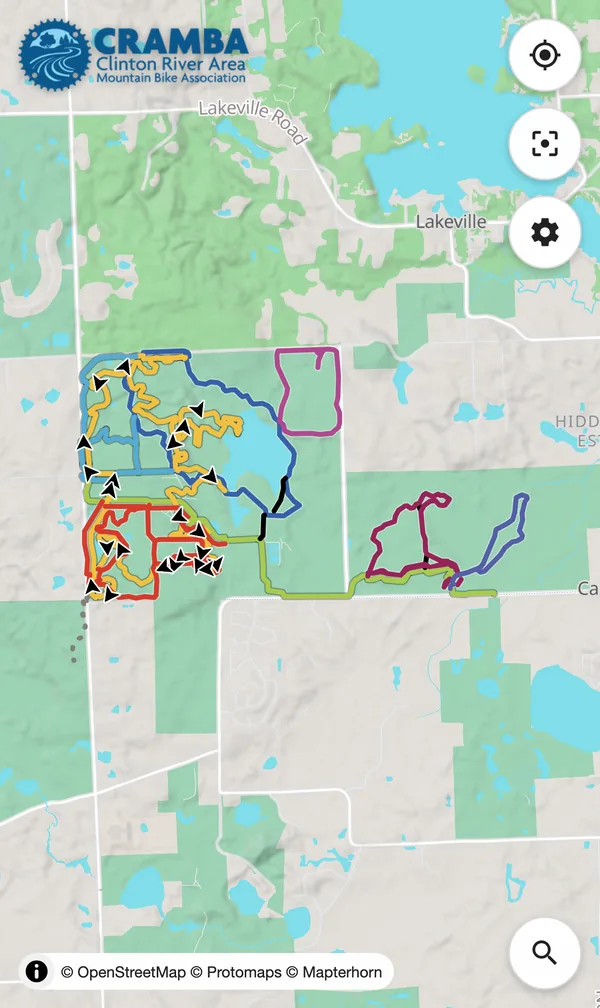
Addison Oaks County Park
-

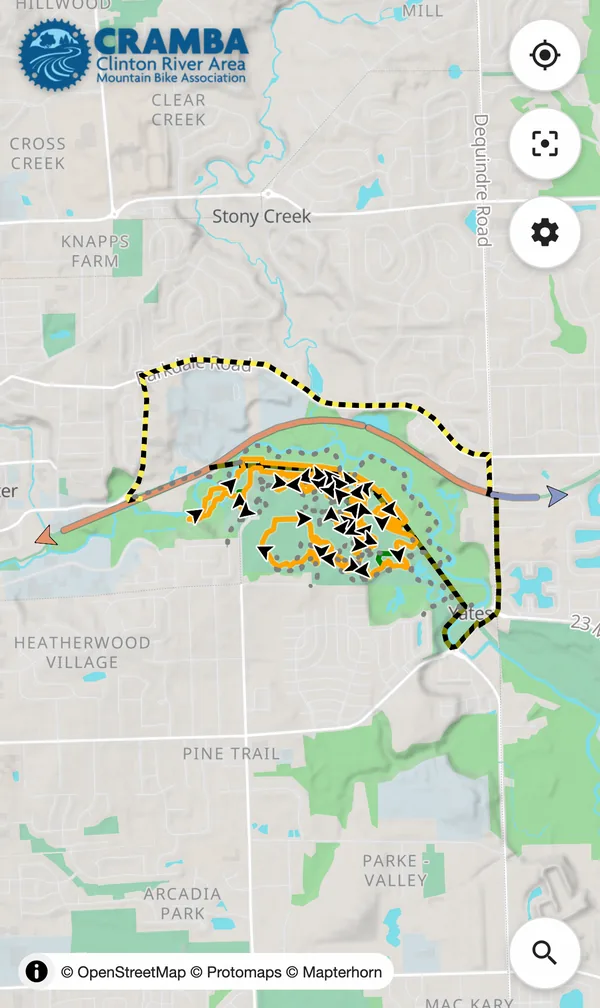
Bloomer + Clinton River Oaks Parks
-

Brighton Recreation Area
-

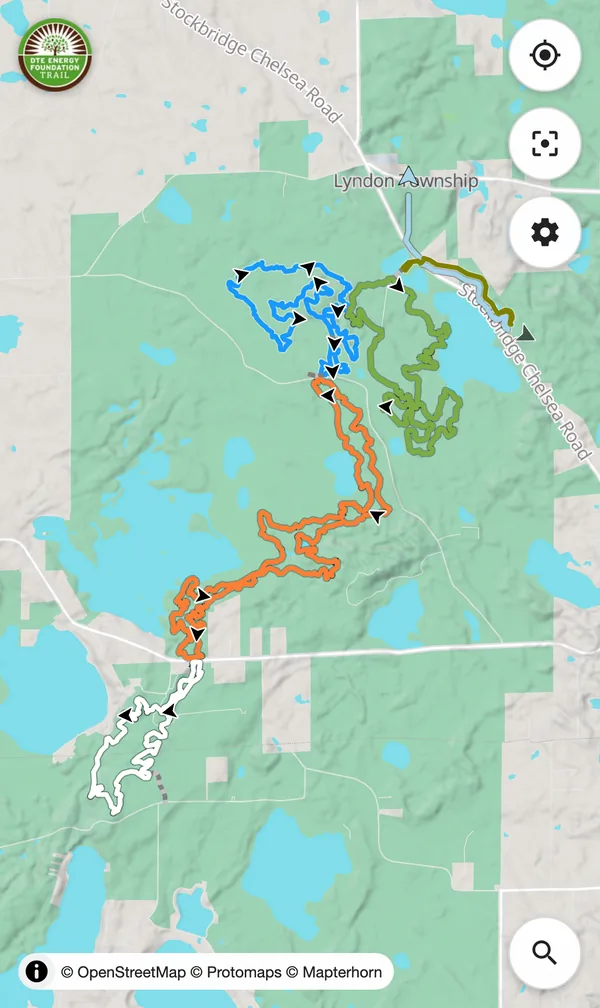
DTE Energy Foundation Trail
-

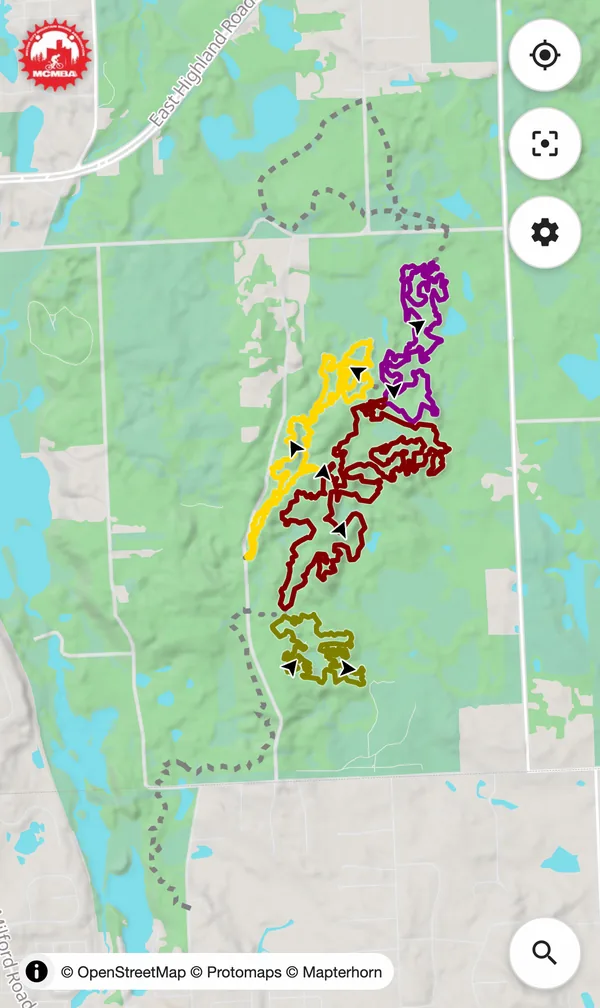
Highland State Recreation Area
-

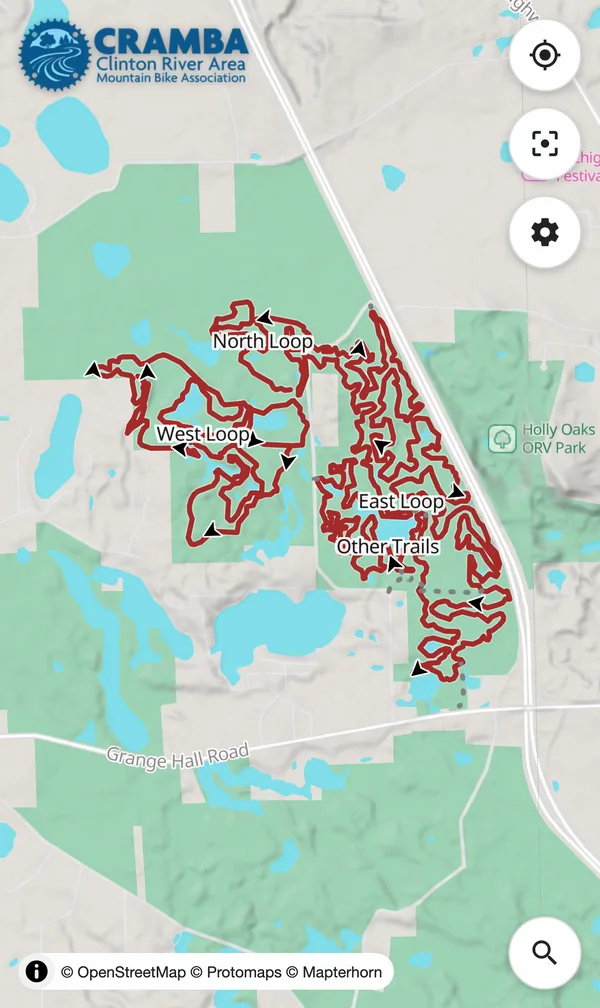
Holly-Holdridge Recreation Area
-

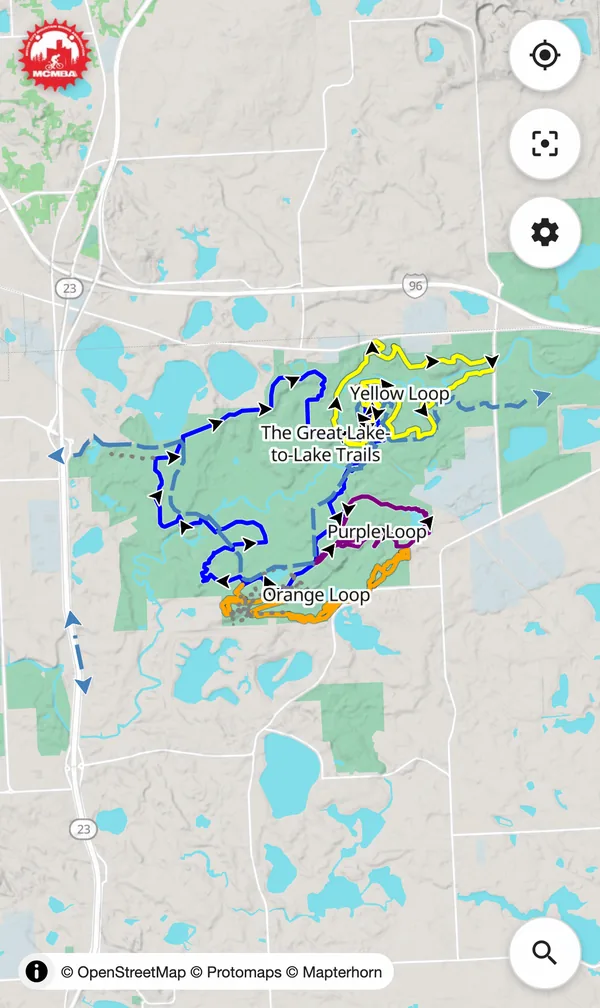
Island Lake Recreation Area
-

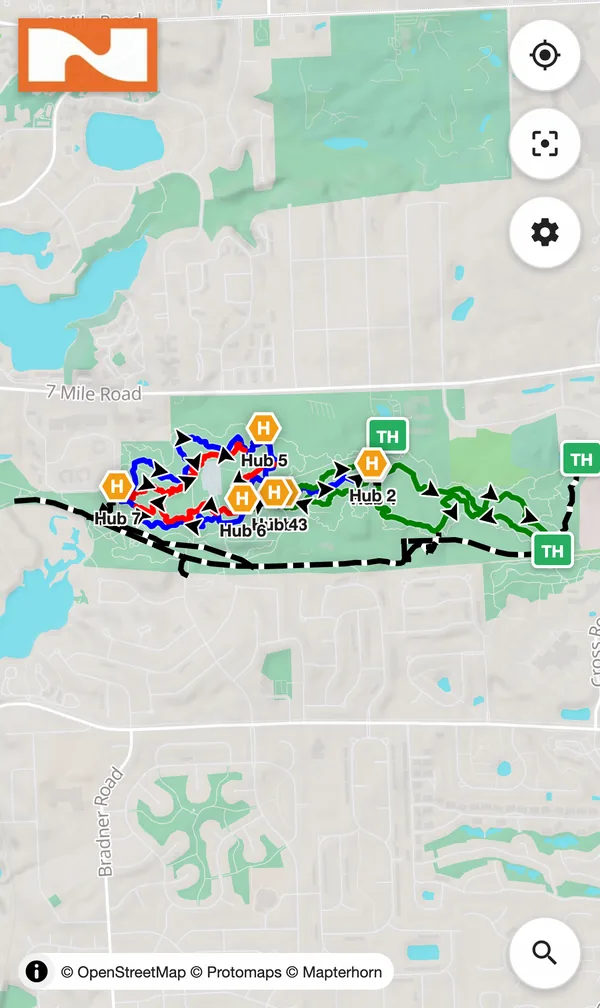
Legacy Park Trails
-

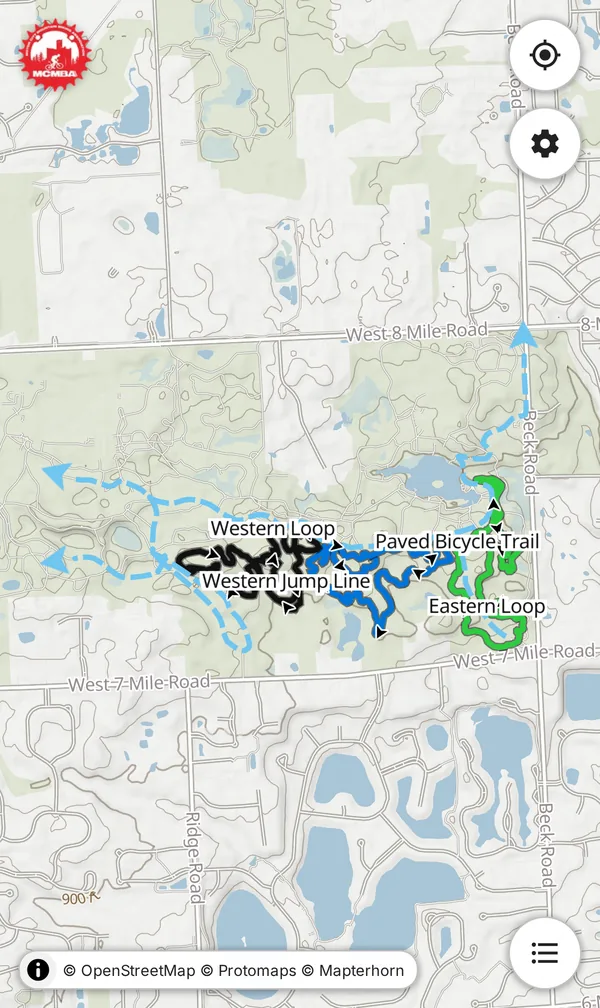
Maybury State Park
-

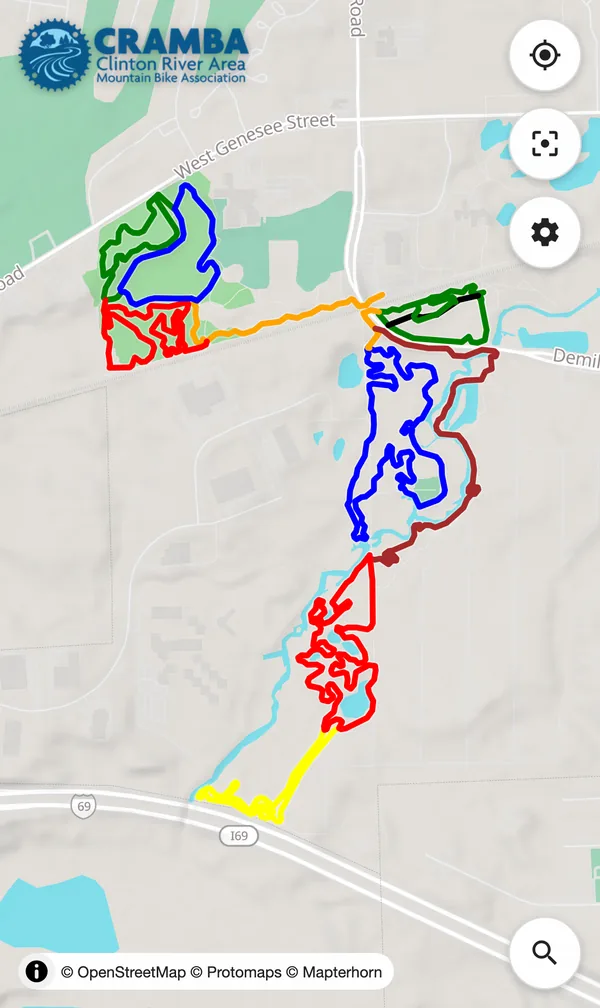
Oakdale Trails
-

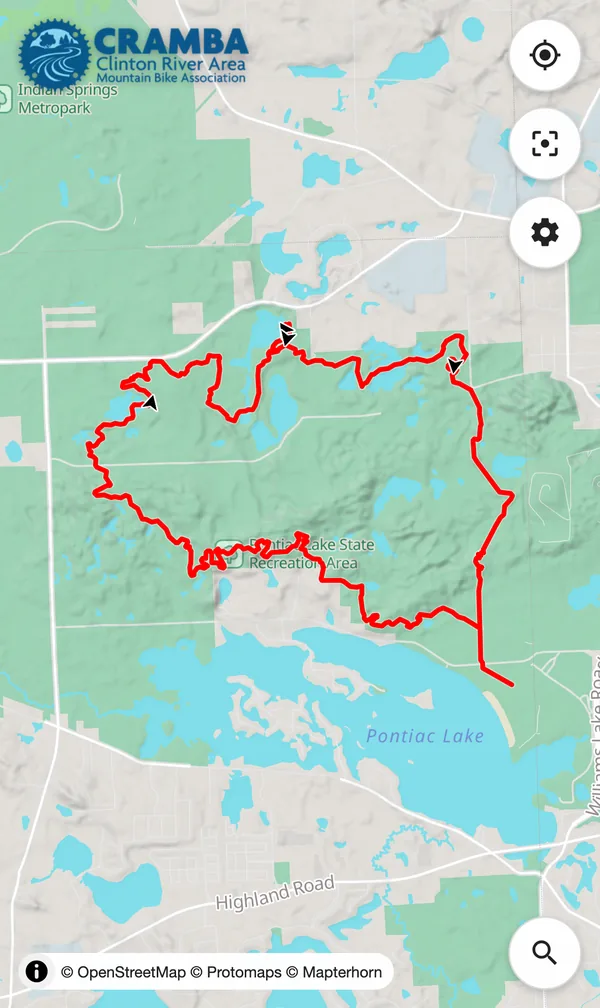
Pontiac Lake Recreation Area
-

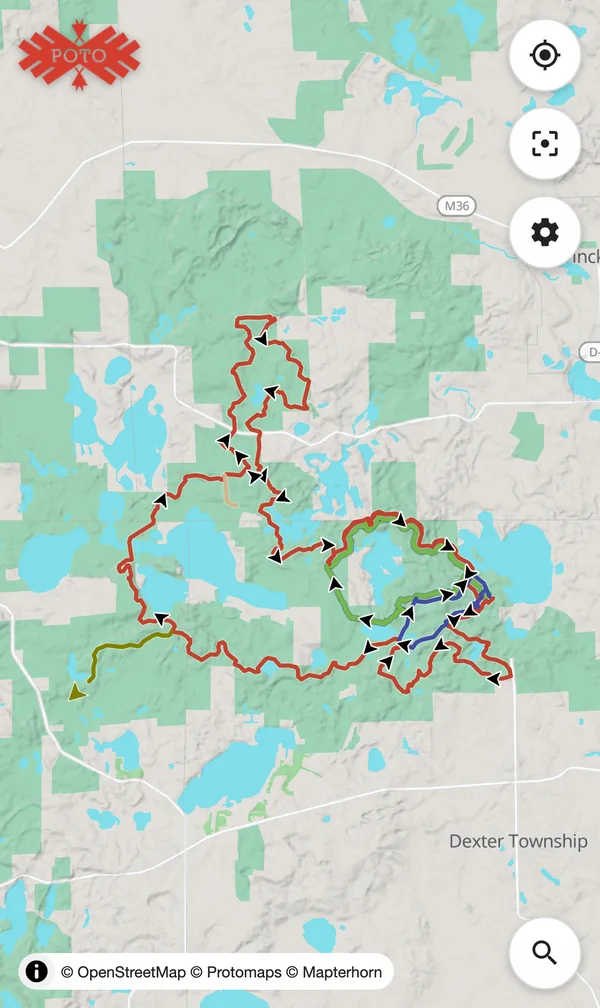
Potawatomi Trail
-

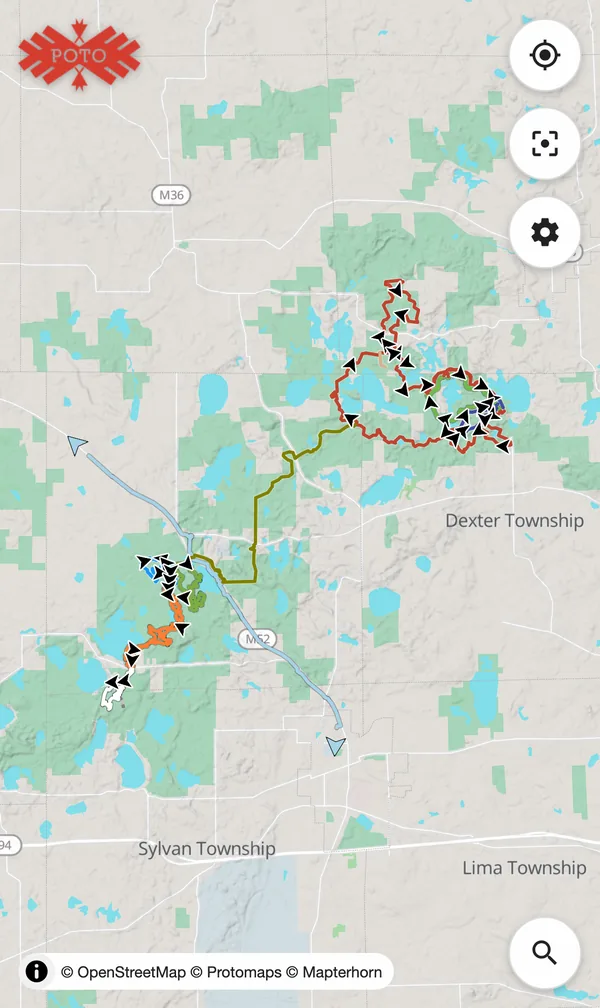
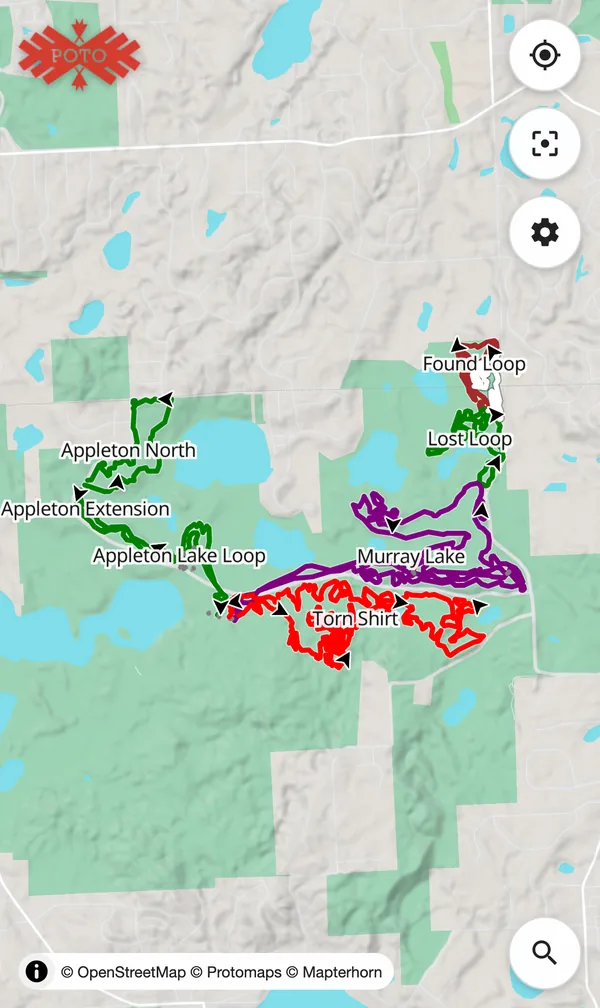
Potoloo (Potawatomi + DTE Trails)
-

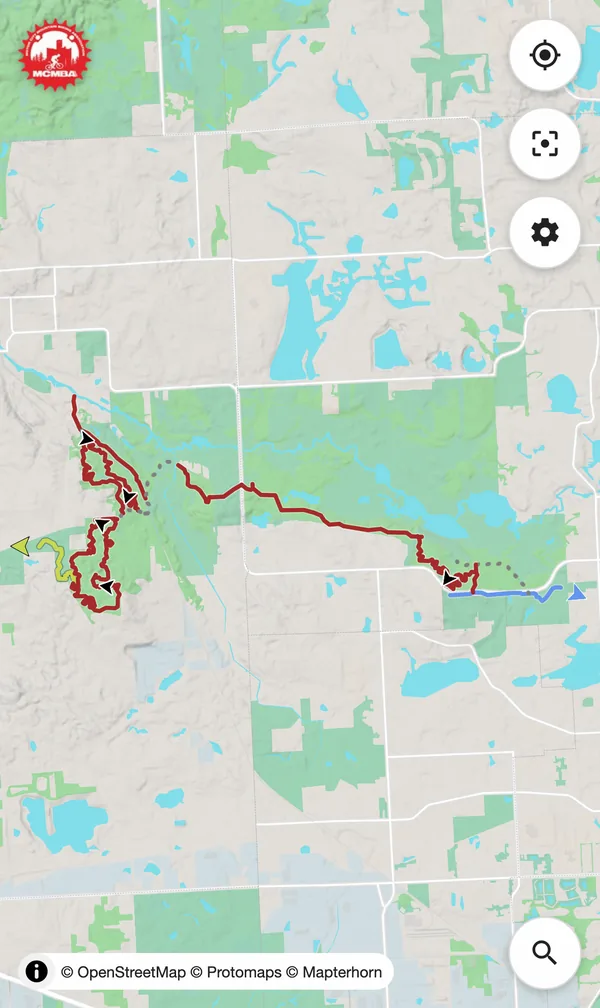
Proud Lake Recreation Area
-

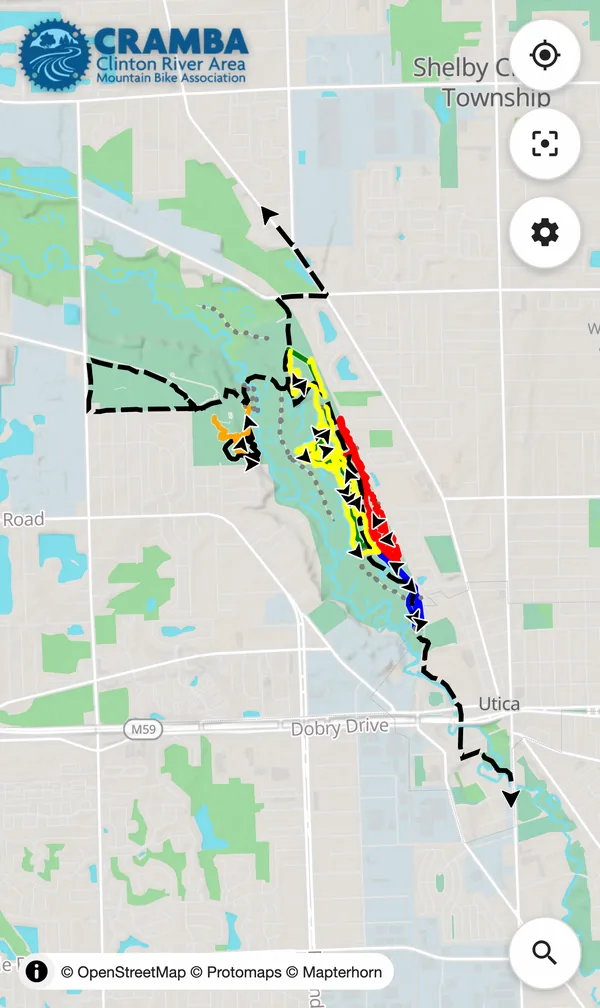
River Bends Park
-

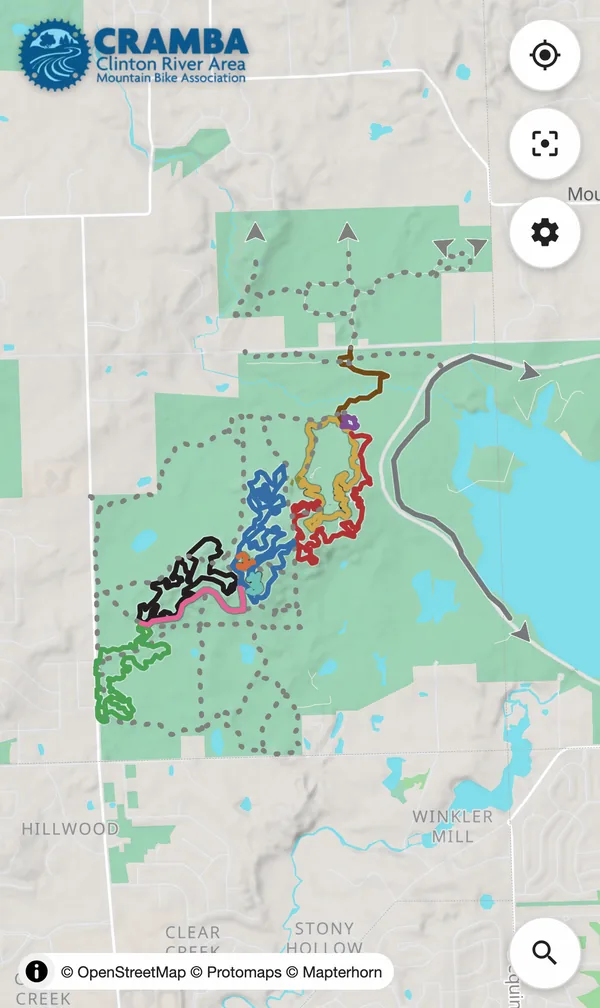
Shelden Trails at Stony Creek Metropark
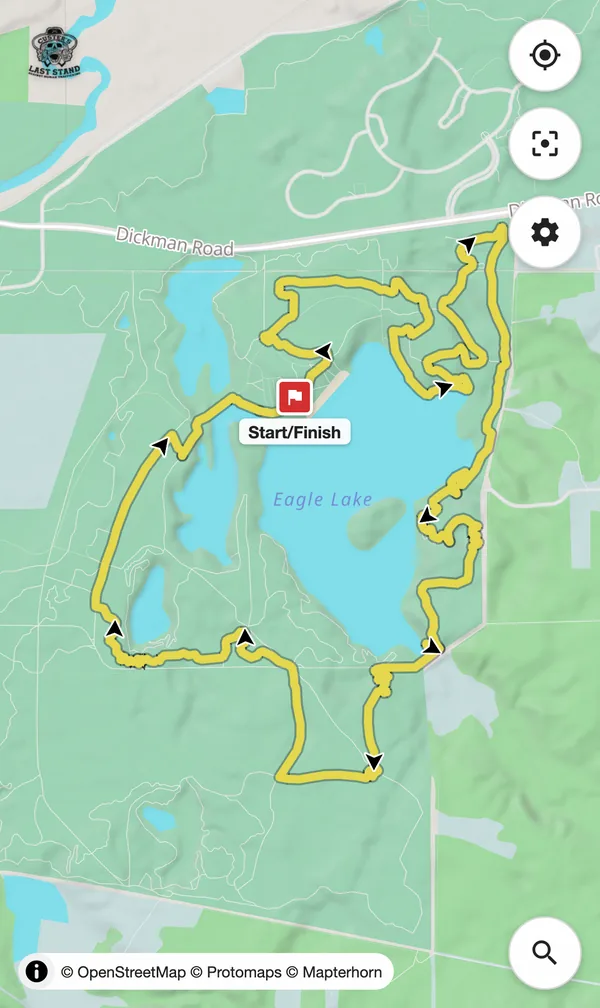
Northern Lower Peninsula

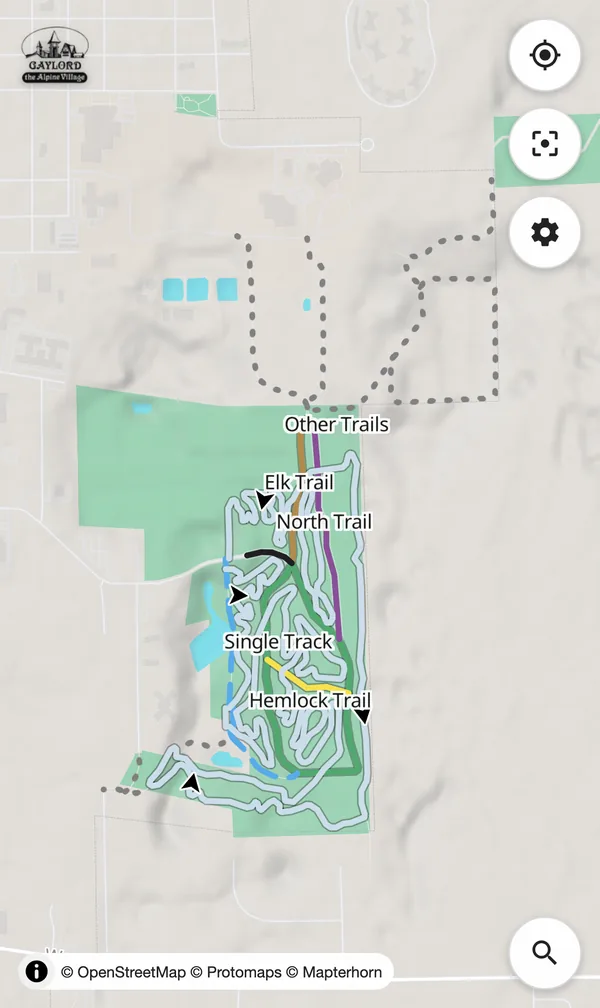

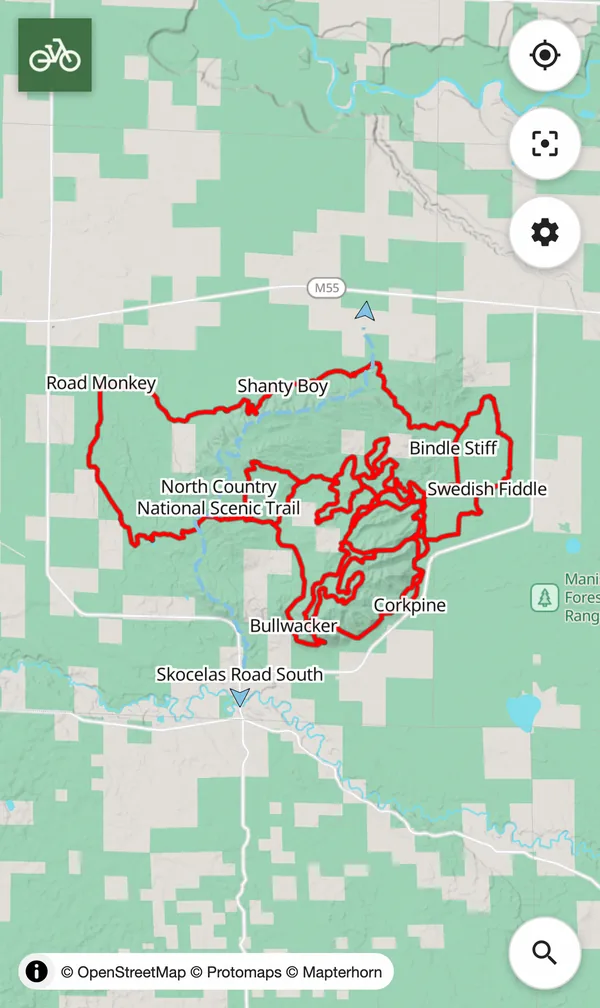

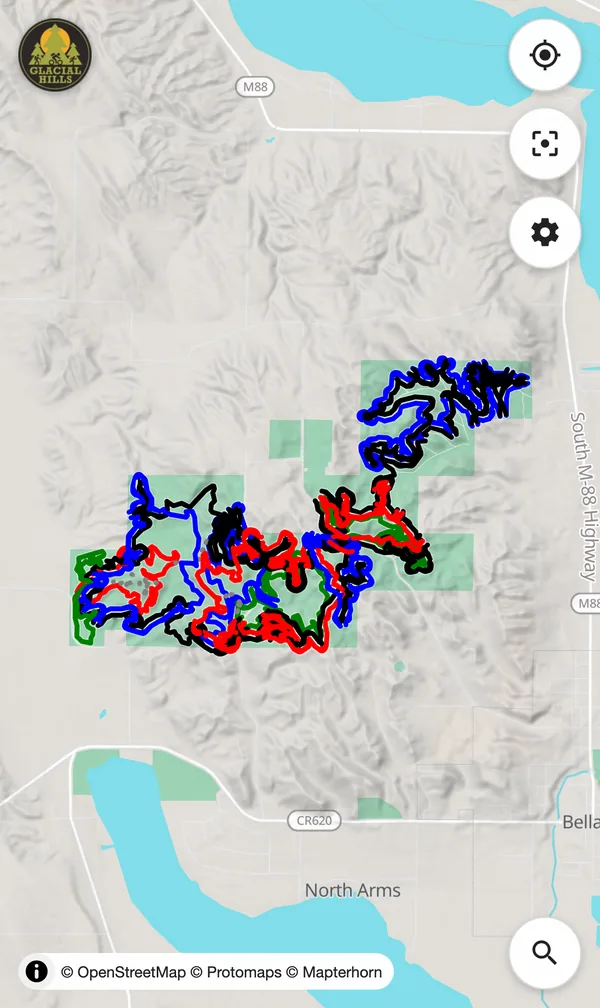
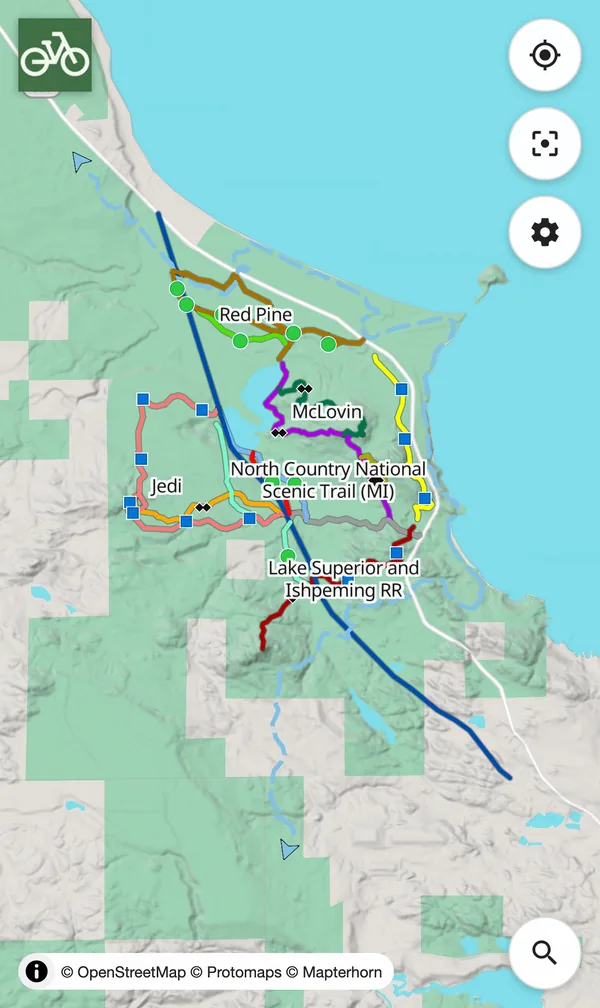
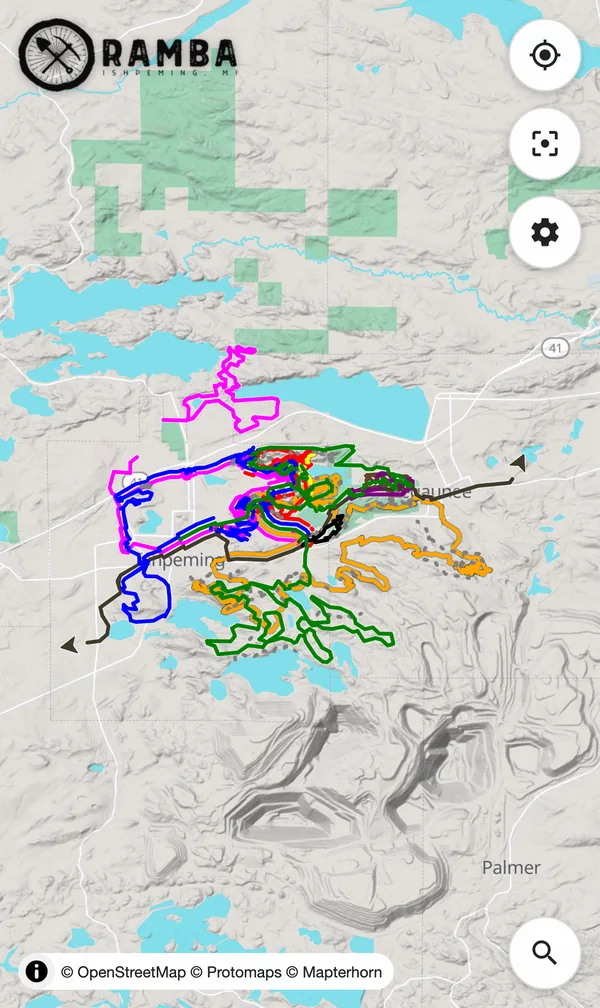
Upper Peninsula


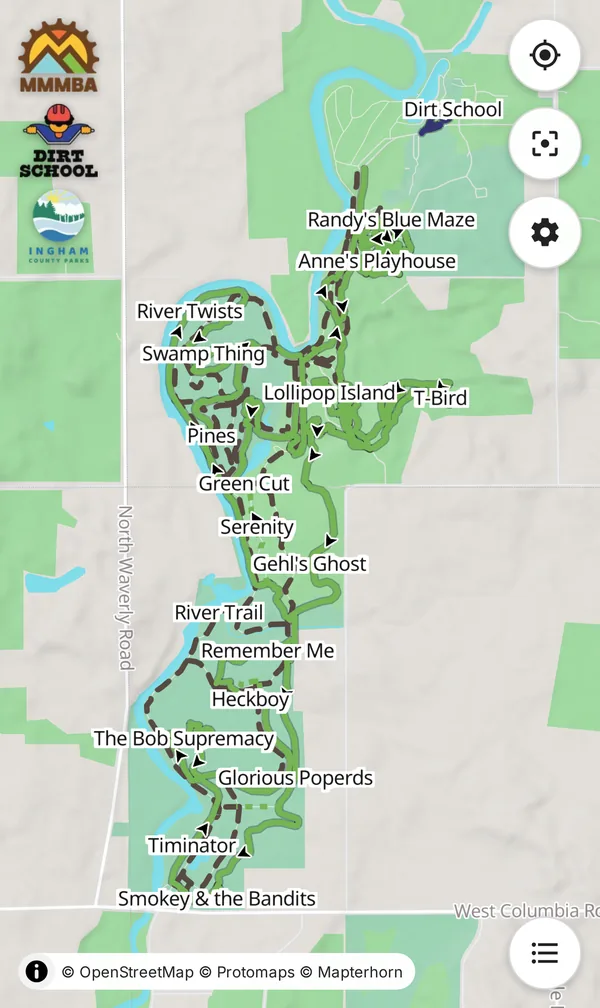
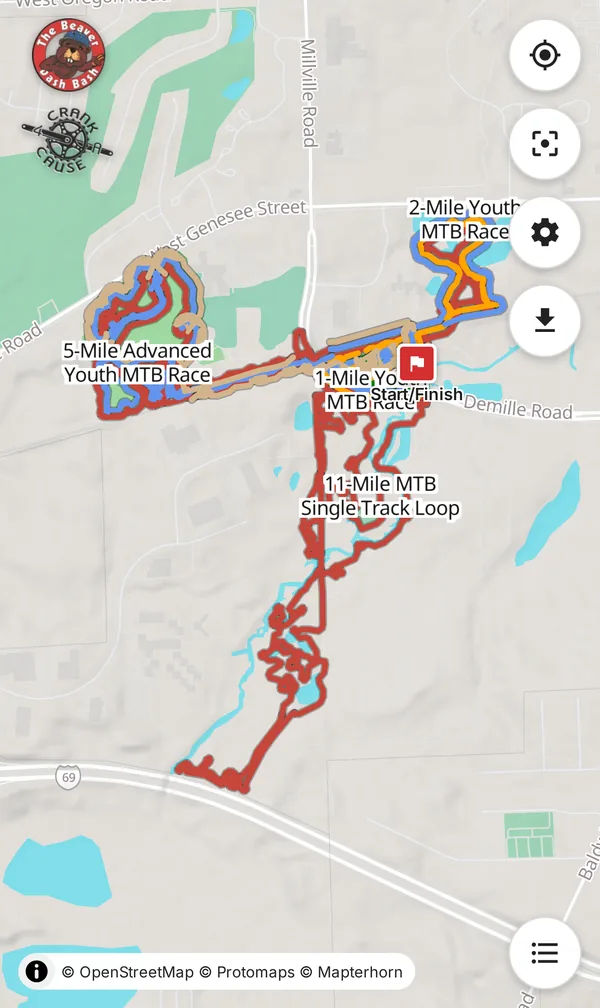
Mid-Michigan




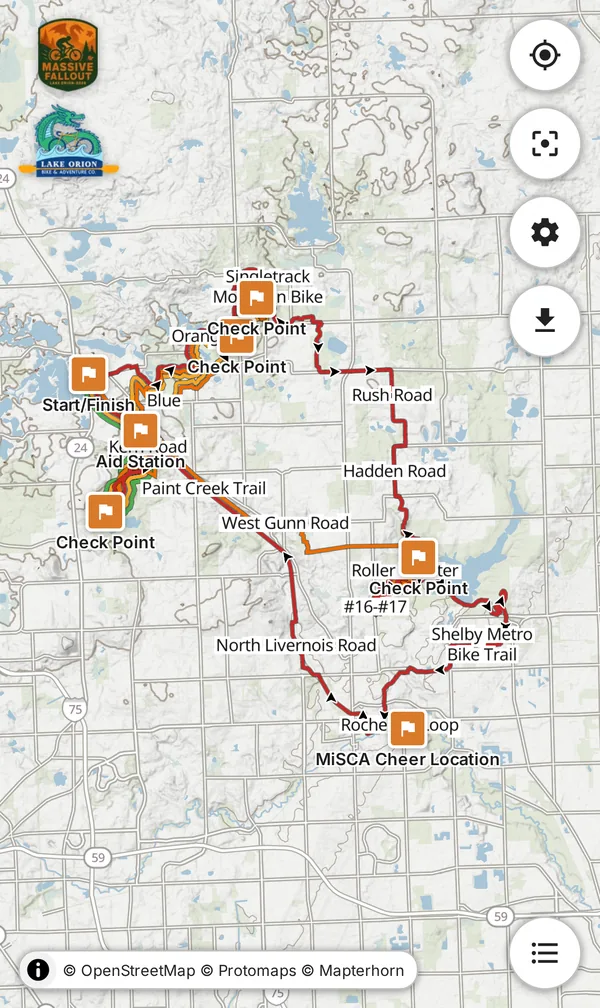

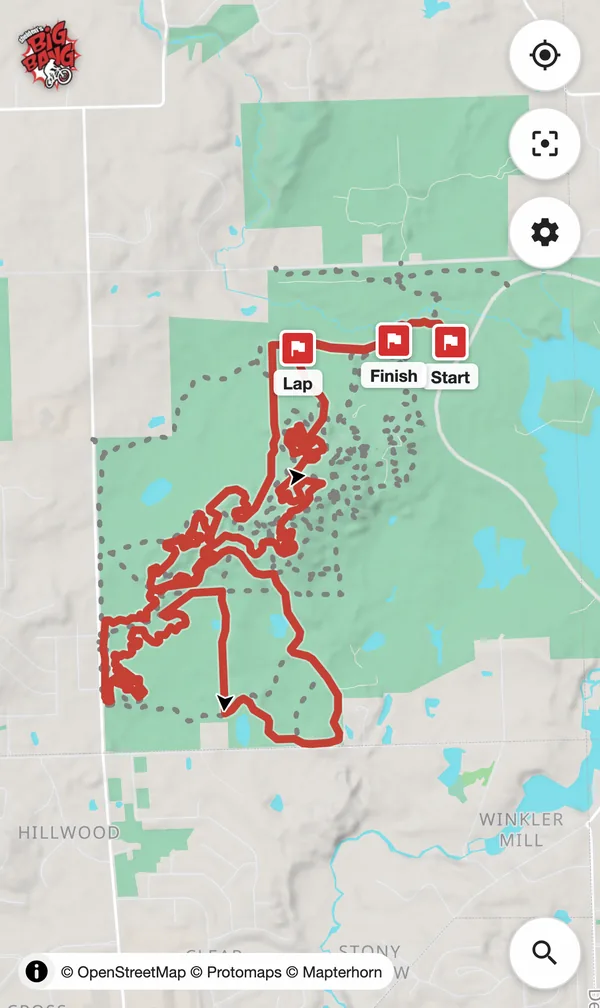

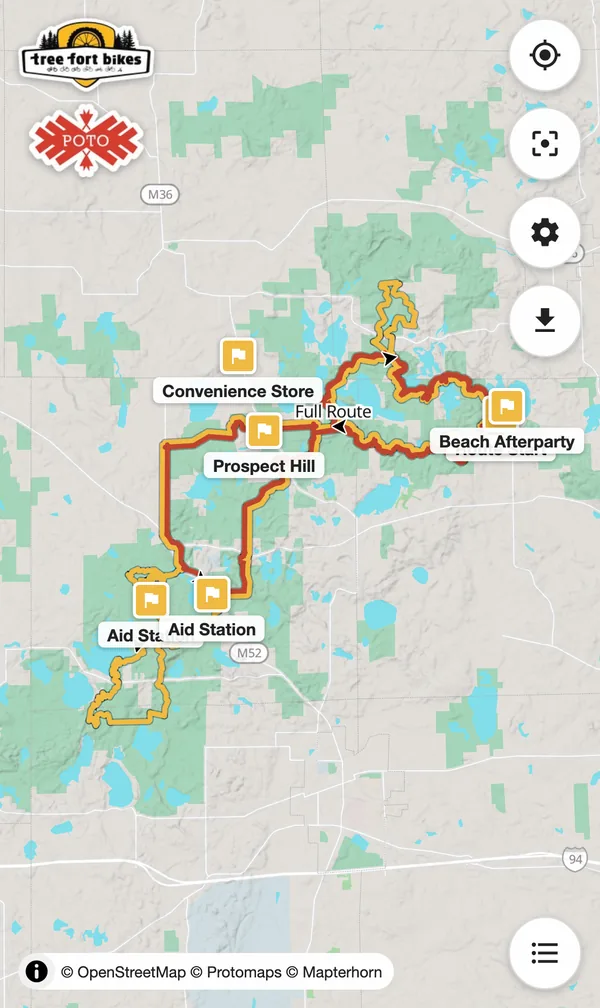
Built to use on the trail.
If you've used a phone map it should be familiar, but a few things are worth pointing out:
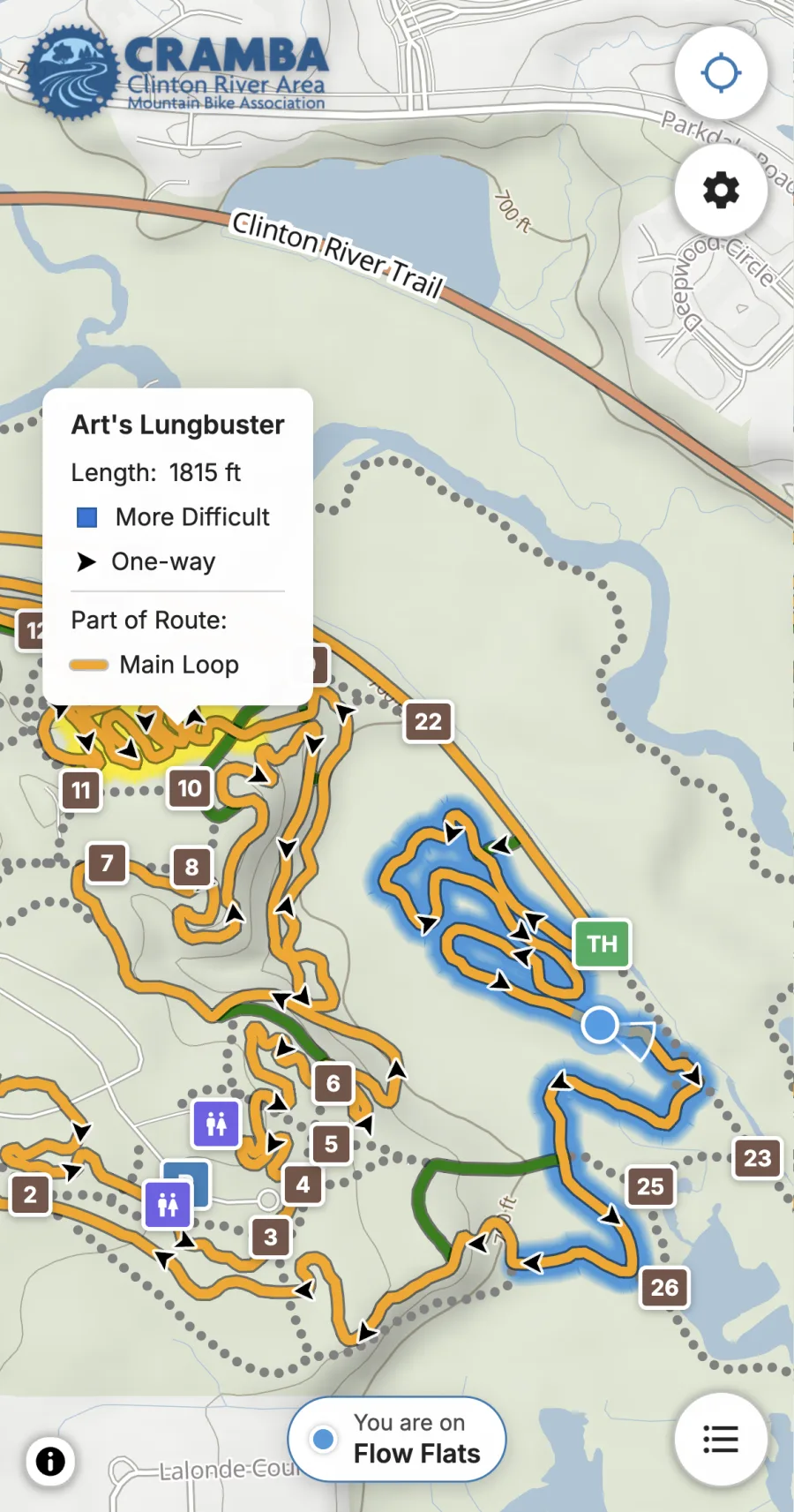
Where am I?
Tap Locate to show where you are. The map follows you as you ride, and the screen stays on if your device supports it.
Pan away and the icon turns hollow. Tap it to follow again, or tap once more to turn it off.
While Locate is on and with good signal, the trail you're in is listed and it glows blue.
What's this one?
Tap any trail on the map to see its name, length, and difficulty. You'll also see whether it's one-way and which routes it's part of.
Tap a marker for parking or a trailhead to get directions.
Customize!
Open Options to toggle trail labels, location markers, trail highlighting, the season, light or dark mode, and more. The choices vary by map, and they're saved for next time.
Options is also where you Install the map like an app, Share your current view, and read About the map.
I know it's around here somewhere...
Tap a route in the Routes key to highlight it. Hide the key when you don't need it.
Tap Search in the key to find the trail your friend told you about, parking, a trailhead, toilets, water, or anything else along the way.
No service? No problem!
Once a map has loaded it keeps working even if you lose service.
Going somewhere without data? Load the map before you go and it'll keep showing the way when you get there.
Curated, local, and styled like the trails.
Each map starts from OpenStreetMap and other public data. Riders who know the trails then plan it, check it, and style it the way the trail system is marked.
Trails use the same routes and colors as the signs and markers.
One-way trails show their riding direction. On alternating-direction systems, the arrows switch automatically.
A season toggle shows winter-only trails, like groomed fat-bike loops.
Hillshade and contour lines show the type of grades you can expect.
A map changes only when it's rebuilt. Trail managers get no surprise edits from crowdsourced data.
Anyone can use the maps with no account. No tracking, no telemetry, no cookies. I don't watch you.